Excel
Excel is a 4-week beginner course covering advanced formulas, VLOOKUP/XLOOKUP, conditional formatting, pivot tables and charts, dashboard building, and basic macro automation. Aimed at professionals who want to level up everyday spreadsheet work, it produces practical outputs like an automated expense report, an inventory dashboard, and a sales pipeline tracker.
Master formulas, pivot tables, and dashboarding techniques that power everyday business analysis.
What you'll learn
Course details
Duration
4 weeks
Best for
Professionals who want to level up everyday spreadsheet work
This course is free
Course Curriculum
A module-by-module breakdown of what you'll cover in Excel.
01Getting Started & Environment Setup
4 topicsWeek 1
- Verifying your Excel install (Microsoft 365 or standalone)
- Enabling the Developer tab for macros
- Downloading and opening the provided practice workbook
- A tour of the ribbon, formula bar, and workbook structure
02Excel Essentials
3 topicsWeek 2
- Formulas and functions refresher
- Lookup functions: VLOOKUP and XLOOKUP
- Conditional formatting and data validation
03Data Analysis in Excel
3 topicsWeek 2
- Pivot tables and pivot charts
- What-if analysis tools
- Sorting, filtering, and cleaning data
04Dashboards in Excel
3 topicsWeek 3
- Building dashboard layouts
- Dynamic charts with slicers
- Design principles for clarity
05Automation Basics
3 topicsWeek 4
- Introduction to macros
- Recording and editing simple macros
- Practical automation exercises
06AI Pro
3 topicsWeek 4
- Using Claude, ChatGPT, and Perplexity for Excel formulas and VBA
- Verifying AI-suggested Excel formulas and macros before trusting them
- Project: Use AI to build a lookup formula and a macro, then verify both safely
Tools & Technologies
Hands-on practice with the same tools used by working professionals.
Part of a bigger program
This skill is one of the real building blocks inside our Career Program— worth a look if you want the fuller, job-ready path instead of just this one piece.
Real-Time, Industry-Based Projects
This is project-based learning modeled on real industry scenarios — you'll build portfolio-ready work as you go, not just watch lectures.
Every course includes a guided internship on top of your project work — so you graduate with real experience, not just a certificate.
Communication & Soft Skills
Built into every course, alongside the technical curriculum.
Communication Skills
Practice explaining technical work clearly to teammates, managers, and clients.
Practical AI Skills
Hands-on training in using AI tools well — prompting, everyday workflows, and where AI actually helps versus where it doesn't.
Teamwork & Collaboration
Work in small project teams using real workflows like stand-ups and code reviews.
Problem Solving
Build the habit of breaking down ambiguous problems into clear, solvable steps.
Time Management
Learn to plan, prioritize, and deliver project work against realistic deadlines.
Presentation Skills
Present your project work and results with confidence, as you would to a client.
Resume & Profile Building
Build a strong resume, LinkedIn profile, and project portfolio that recruiters notice.
Interview Preparation
Mock interviews and portfolio reviews to get you ready for real job applications.
Career & Placement Support
100% of students enrolled in Excel get full access to placement support — real tools and guidance, not just a promise. This is support and access, not a guaranteed job outcome.
Resume Builder
A resume auto-built from your real completed projects and certificates, ready to export.
Shareable Portfolio
A public portfolio page showcasing your approved projects, with a link you can share with employers.
Interview Preparation
Guidance on presenting your projects and experience clearly in real interviews.
Peer & Mentor Community
Ongoing access to our learner community for questions, feedback, and support after you finish.
What Your Certificates Look Like
Real, verifiable certificates with your name, Excel, and a QR code anyone can scan to confirm they're genuine — one for completing the course, and a separate one if you take the internship track. Earning a certificate is free. To view, download and share it, there's a one-time ₹100 release fee per certificate — the same for free-course, paid-course and internship certificates.
Course Completion Certificate

 Data24Zone
Certificate of Completion · Free Course
Illustrative recipient
Your Name Here
Example certificate for completion of
Excel
- Certificate No.
- D24-SAMPLE
- Mode
- Self-Paced
- Duration
- 4 weeks
- Example issue date
- On completion
Sample only — not a real, issued certificate.
Verification is available only on issued certificates.
Internship Completion Certificate
Data24ZoneCertificate of Internship
Illustrative recipient
Your Name Here
Example certificate for completion of
Excel
- Certificate No.
- D24-SAMPLE
- Mode
- Internship
- Duration
- 4 weeks
- Example issue date
- On completion
Sample only — not a real, issued certificate.
Verification is available only on issued certificates.
Frequently Asked Questions
What will I learn in the Excel course?
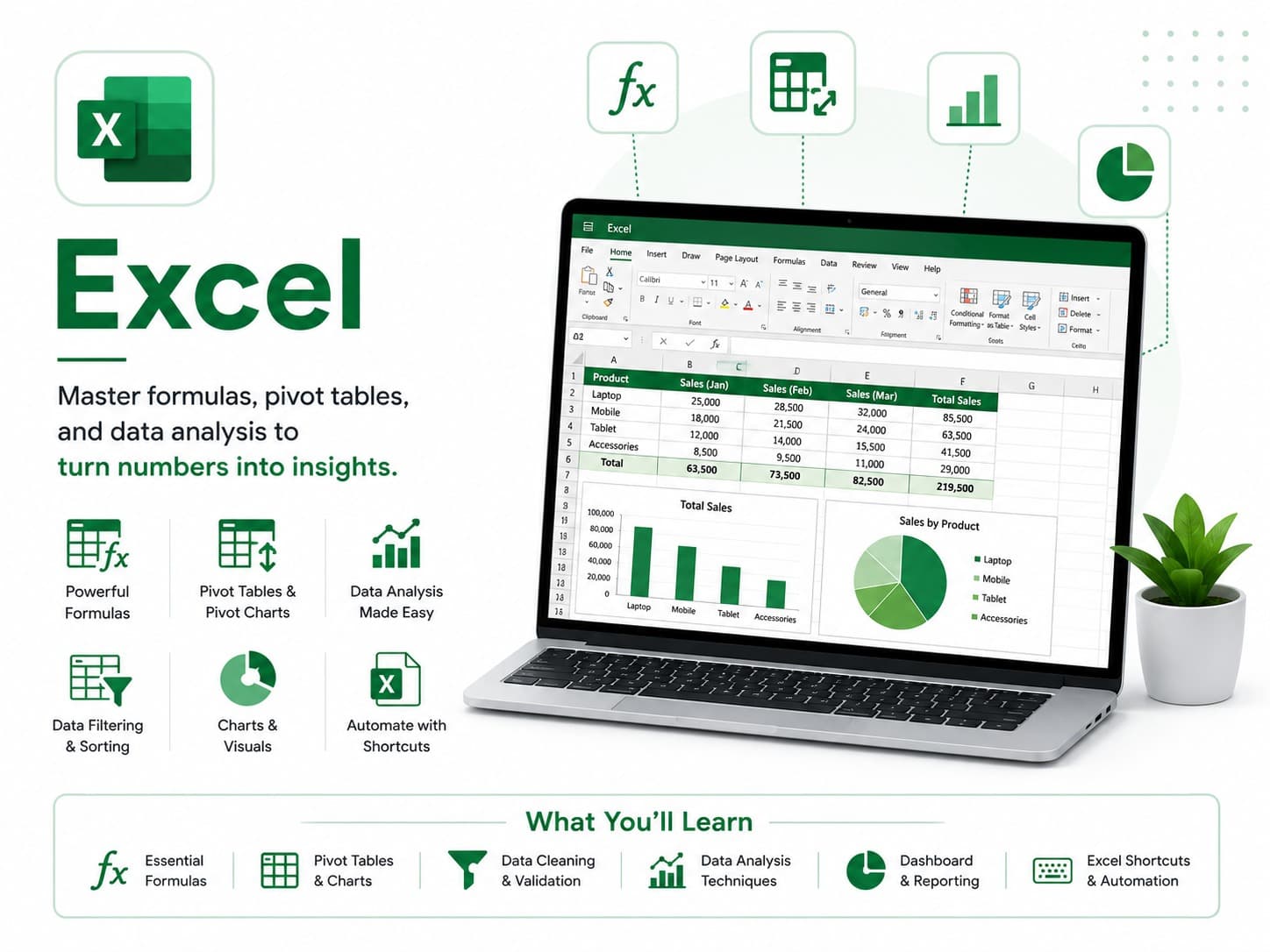
You'll learn: Advanced formulas, lookups, and conditional logic; Pivot tables and pivot charts for fast analysis; Building simple dashboards inside Excel; Automating repetitive tasks with basic macros.
What tools and technologies does the Excel course cover?
This course covers: Excel, Power Query, Pivot Tables, Macros, ChatGPT, Claude, Perplexity.
Is the Excel course beginner-friendly?
Yes — this is a beginner-level course. It starts with a "Getting Started & Environment Setup" module covering tool installation before the main curriculum.
How long does the Excel course take to complete?
The course is designed to be completed in approximately 4 weeks, depending on your pace.
What enrollment options are available for Excel?
Project Training Track (₹1,499) — One defined learning project and 2 review sessions; no employment or stipend included. Self-Paced (₹1,999) — Learn anytime with the full recorded curriculum and community access.
Is there an internship option for Excel?
Yes — the Internship track means working through real projects with our team and earning a separate Internship Certificate.
Will I get a certificate after completing Excel?
Yes. Self-paced enrollment earns a course completion certificate once your final project is reviewed and approved. Internship enrollment earns an internship certificate once your internship projects are approved. Every certificate is publicly verifiable on our website and can be added directly to your LinkedIn profile. Earning it is free; releasing it to view, download and share is a one-time ₹100 fee per certificate.
What kind of projects will I build in Excel?
You'll work on real projects such as: Automated monthly expense report; Inventory tracking dashboard; Sales pipeline tracker.
Is placement support included with Excel?
Yes — every enrolled student gets full access to our placement support: resume building, a shareable project portfolio, mock interview preparation, and guidance applying what you've built to real job applications. This is support and access, not a guaranteed job outcome — how quickly it leads to an offer depends on the market and your own effort.